Ear Speaker Cleaner Sound
Every call sounds like the other person is speaking through a wall. Their voice is muffled, distant, and unclear — even at maximum volume. That is your ear speaker telling you it is blocked. The earpiece at the top of your phone accumulates dust, skin oils, and fine debris faster than any other speaker on the device because it sits against your face on every call. Ear speaker cleaner sound fixes this using targeted acoustic frequencies that vibrate blockage loose from the earpiece mesh — restoring call clarity in under 60 seconds, free, directly in your browser.
Start Ear Speaker Cleaner Sound — Free, 60 Seconds
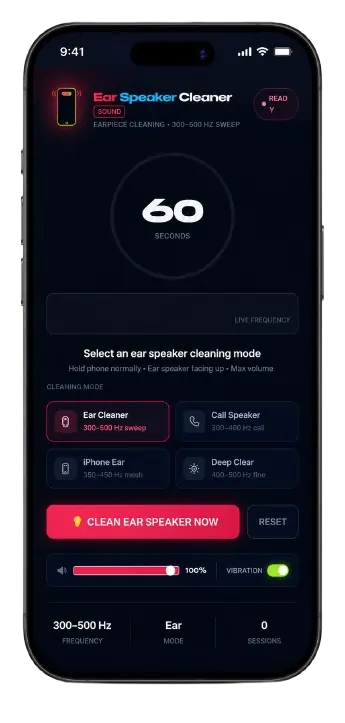
Ear Speaker CleanerSOUND
Earpiece Cleaning · 300–500 Hz Sweep
Ear Speaker Cleared ✓
Earpiece mesh clean · Call clarity restored
Ear Speaker Cleaner Sound Tool
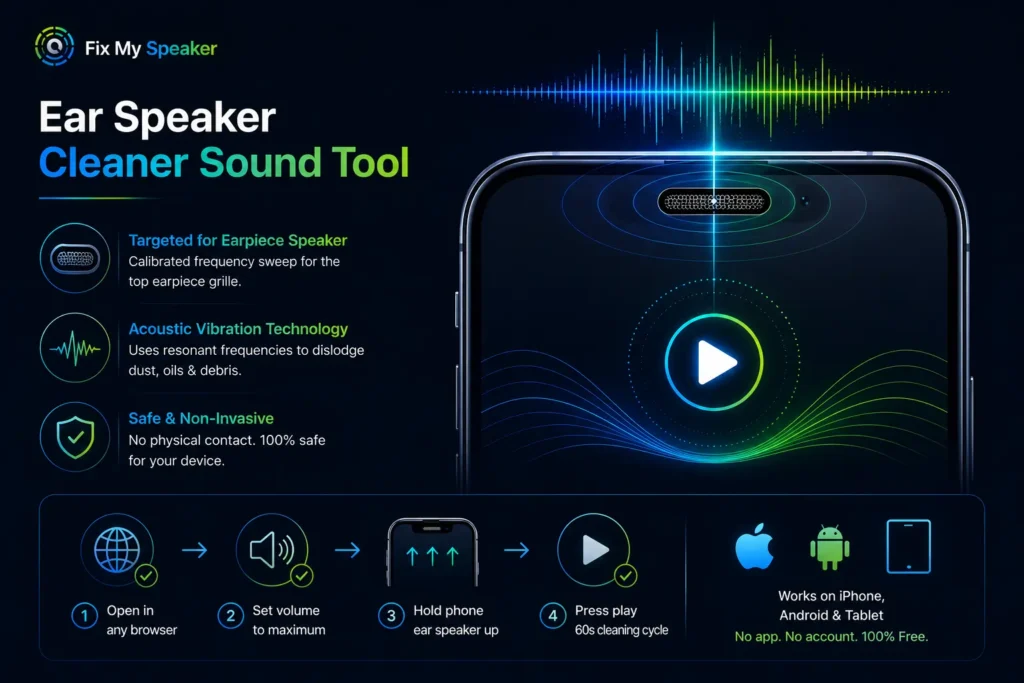
The ear speaker cleaner sound tool plays a calibrated frequency sweep specifically tuned for the earpiece speaker — the small grille at the top of your phone used during phone calls. Unlike the main bottom speaker, the earpiece operates at lower volume levels and has a tighter mesh weave that traps fine particles, skin cells, and oils efficiently.
The tool uses acoustic vibration at the resonant frequency of the earpiece membrane to physically dislodge packed debris without any physical contact.
Open it in any browser, set volume to maximum, hold the phone normally with the ear speaker facing upward, and press play. The full cleaning cycle runs in 60 seconds and works on every iPhone, Android, and tablet without any app download or account.
Why Do You Need to Clean Your Ear Speaker?
The earpiece speaker is the most contact-intensive component on your phone. It presses against your face on every call, collecting skin oils, fine dust, sweat residue, and pocket lint continuously.
Most users never clean it — and the degradation happens gradually enough that the change goes unnoticed until call quality is severely compromised.
Three specific problems develop from a blocked earpiece:
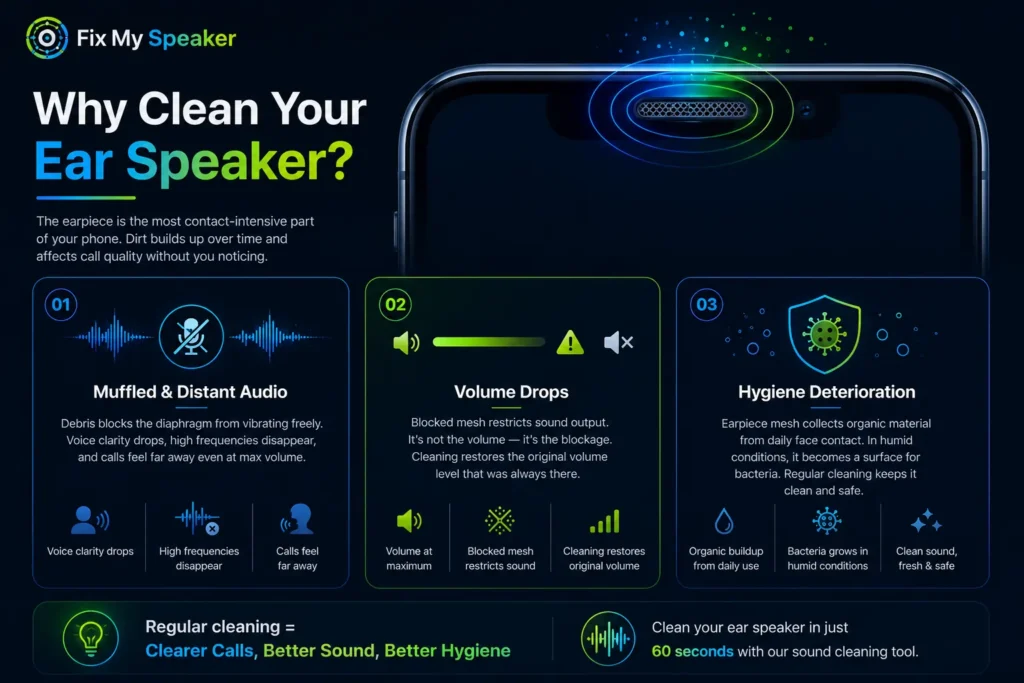
Call audio becomes muffled and distant.
The earpiece diaphragm cannot vibrate freely when surrounded by packed debris. Voice clarity drops, high frequencies disappear, and calls feel like they are coming from far away even at maximum volume. This is the most common reason users report that people cannot hear them clearly — or that they cannot hear clearly themselves.
Call volume drops without explanation.
Users raise the volume slider to maximum and still cannot hear properly. The issue is not volume — it is the blocked earpiece mesh physically restricting sound output. Cleaning the mesh immediately restores the volume level that was always there.
Hygiene deterioration
The earpiece mesh collects organic material from daily face contact. In humid conditions, this becomes a surface for bacterial accumulation. Regular ear speaker cleaner sound sessions remove this organic buildup without chemicals, liquid, or direct contact with the mesh surface.
How Does Dust Affect Your Ear Speaker’s Performance?
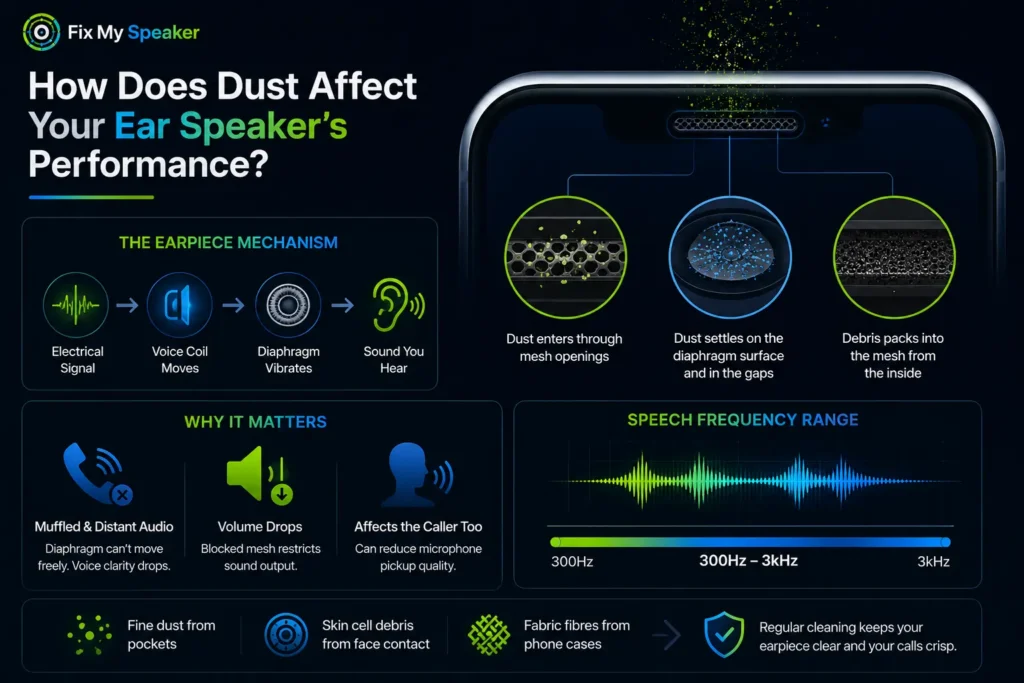
The earpiece speaker works through a simple mechanical chain. An electrical signal drives the voice coil, which moves the earpiece diaphragm — the thin membrane behind the mesh grille. That movement displaces air and creates the sound you hear during calls.
Dust and debris enter through the mesh openings and settle on the diaphragm surface, in the gap between the diaphragm and the housing, and packed into the mesh from the inside. Each layer of buildup restricts how far the diaphragm can move on each vibration cycle.
The earpiece operates in the speech frequency range — roughly 300Hz to 3kHz — and is sensitive to even small amounts of physical restriction. Fine dust from pockets, skin cell debris from face contact, and fabric fibres from phone cases all pack into the tight earpiece mesh faster than users expect. Because the change is gradual, most people do not realise call quality has been degrading for months until they clean it and hear the difference.
A blocked earpiece also affects the caller on the other end. The phone’s primary microphone sits near the earpiece on most devices, and a blocked earpiece changes how the phone routes audio during calls — sometimes reducing microphone pickup quality alongside call receive volume.
The Science Behind Ear Speaker Cleaner Sound: How It Works
Sound Waves and Vibrations
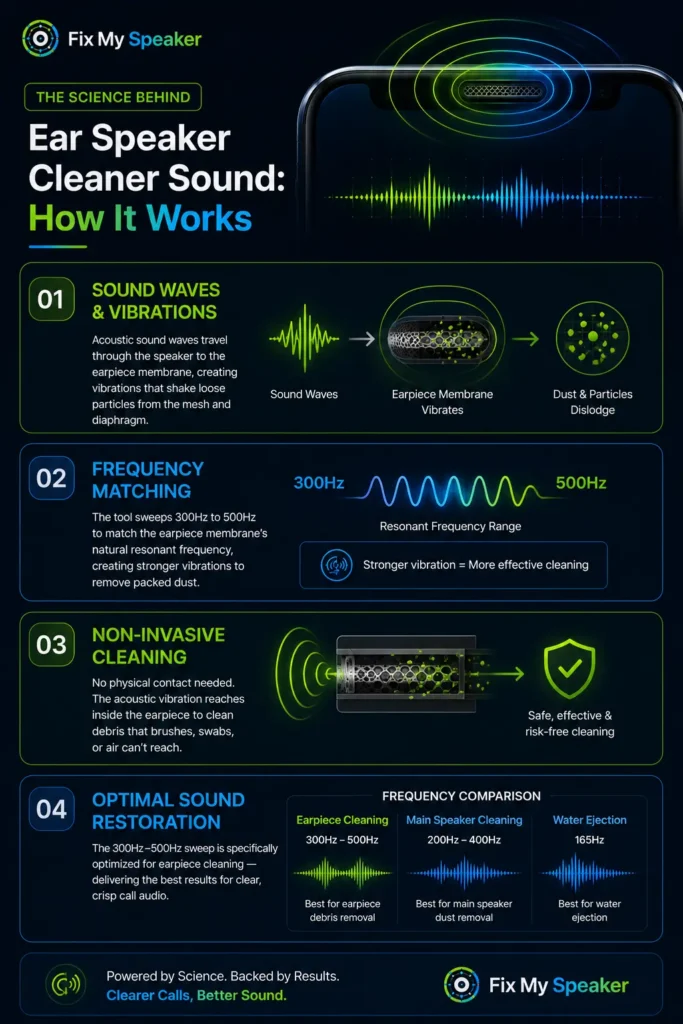
The ear speaker cleaner sound tool generates acoustic sound waves that travel through the phone speaker to the earpiece membrane. These waves create vibration patterns at specific frequencies that physically shake loose particles from the mesh surface and the diaphragm face.
The same acoustic vibration principle is used in precision ultrasonic cleaning equipment in hospitals and electronics manufacturing — scaled to the frequency range of a smartphone earpiece.
Frequency Matching
Every speaker membrane has a natural resonant frequency — the vibration frequency at which it moves most efficiently. When the cleaning sound matches or sweeps through the earpiece membrane’s resonant frequency range, the diaphragm vibrates with greater amplitude than normal audio playback.
This amplified vibration creates enough mechanical force to dislodge packed dust particles that passive music playback cannot move. The ear speaker cleaner sound tool sweeps from 300Hz to 500Hz to cover the full resonant range of most smartphone earpiece membranes.
Non-Invasive Cleaning
No physical contact with the earpiece mesh is needed. The acoustic vibration passes through the mesh and acts directly on the debris and diaphragm surface from inside — reaching particles that no brush, cotton swab, or compressed air can access without risking mesh damage. This makes ear speaker cleaner sound the only cleaning method that addresses internal earpiece blockage without any disassembly risk.
Optimal Sound Restoration
The frequency sweep used for earpiece cleaning differs from the main speaker dust cleaning frequency and from the water ejection frequency. Earpiece debris responds best to the 300Hz–500Hz range — slightly higher than main speaker dust cleaning (200–400Hz) and significantly higher than water ejection (165Hz). Using the correct frequency for the specific speaker type and debris type is what produces consistent sound restoration results.
Benefits of Using Sound for Ear Speaker Cleaning
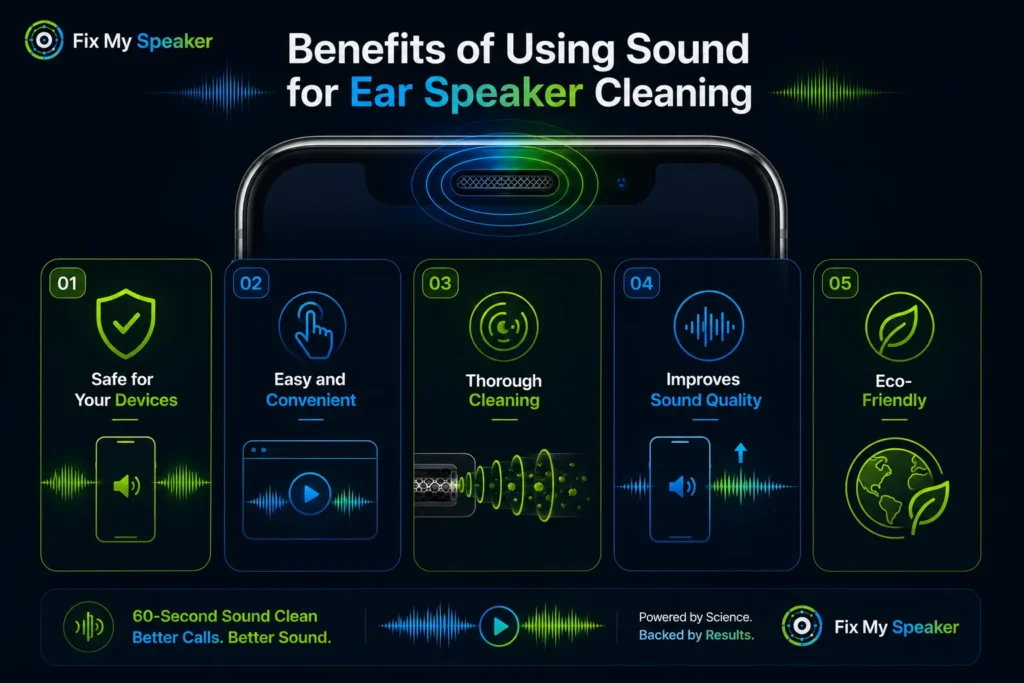
Safe for Your Devices
The cleaning tone operates within the normal audio output range of smartphone earpiece speakers — identical to call audio playback. No physical contact, no liquid, no software modification, no warranty risk on any device.
Easy and Convenient
Open any browser, press play. No app download, no account, no hardware. Works on iPhone through Safari and on all Android devices through Chrome — anywhere, anytime.
Thorough Cleaning
Acoustic vibration reaches past the mesh surface and acts directly on the diaphragm and internal debris. Physical cleaning methods — brushes, tape, compressed air — only address the outer mesh surface. Ear speaker cleaner sound addresses the full depth of the earpiece chamber.
Improves Sound Quality
Removing the physical restriction from the earpiece diaphragm immediately restores voice frequency response, call volume, and audio clarity. Most users notice the improvement within the first 20 seconds of the cleaning cycle.
Eco-Friendly
No chemicals, no disposable cleaning tools, no wipes, no sprays. One 60-second acoustic session replaces all physical cleaning consumables and produces zero waste.
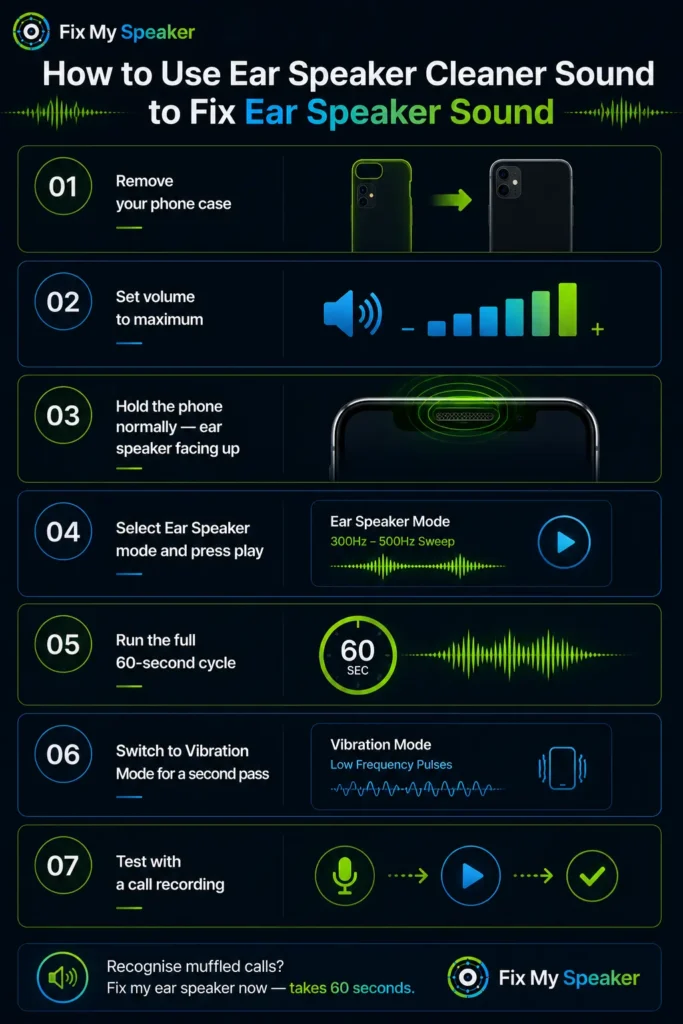
How to Use Ear Speaker Cleaner Sound to Fix Ear Speaker Sound
Step 1: Remove your phone case. Cases dampen acoustic vibration and reduce cleaning effectiveness. Remove it completely before starting.
Step 2: Set volume to maximum. Maximum volume creates the strongest vibration amplitude. The earpiece operates at lower output levels than the main speaker, so maximum volume is especially important for effective earpiece cleaning.
Step 3: Hold the phone normally — ear speaker facing upward. Unlike water ejection where gravity assists by facing the speaker down, dust cleaning works with the phone in natural call position. Hold it as you would during a phone call.
Step 4: Select Ear Speaker mode and press play. The 300–500Hz frequency sweep targets the earpiece membrane’s resonant range. Watch the earpiece mesh during the first 15–20 seconds — fine dust particles exiting the mesh confirm the cleaning is working.
Step 5: Run the full 60-second cycle. The sweep covers multiple resonant zones. Stopping early cuts the cleaning cycle short before the deeper pass reaches debris packed further inside the mesh.
Step 6: Switch to Vibration Mode for a second pass. Lower-frequency pulses create mechanical force that dislodges material the initial sound wave cycle loosened but did not fully eject. Run both modes in sequence for a complete two-stage clean.
Step 7: Test with a call recording. Record a short voice note and play it back through the earpiece at medium volume. Clearer, fuller voice reproduction confirms the blockage has been removed. Repeat if improvement is partial.
Recognise muffled calls? Fix my ear speaker now — takes 60 seconds.
DIY vs. Professional Ear Speaker Cleaning
When to Try DIY Ear Speaker Cleaning
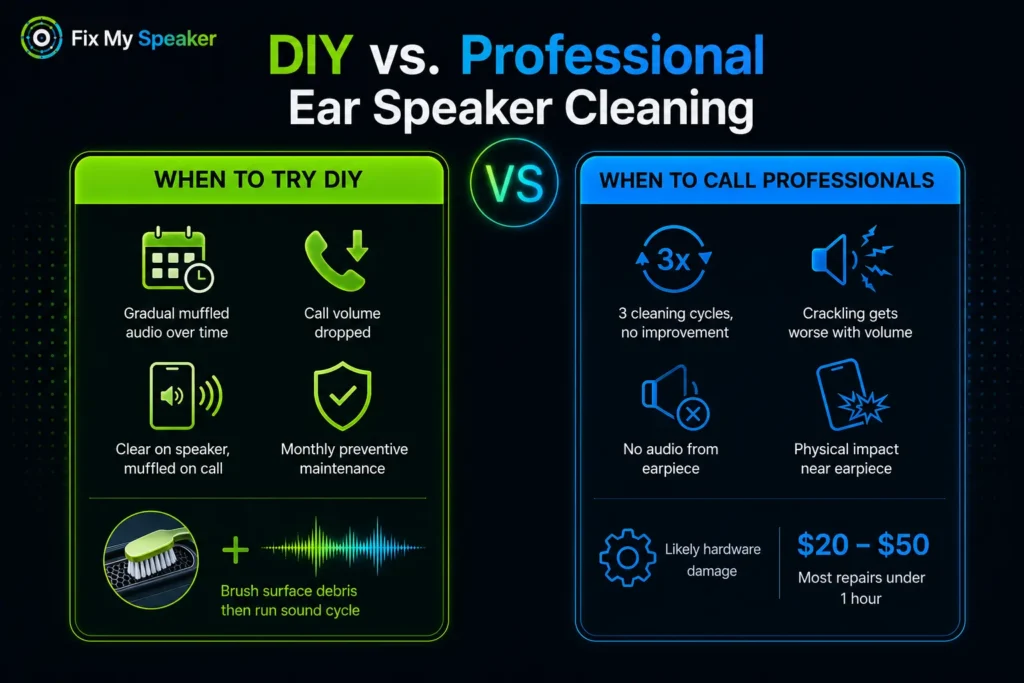
Try the ear speaker cleaner sound tool first when call audio has gradually become muffled over weeks or months — this is almost always progressive dust and debris accumulation. Also use it when call volume dropped without any physical impact event, when the earpiece sounds clear on speakerphone but muffled on normal call mode (confirming the earpiece specifically is blocked), and as monthly preventive maintenance even when call quality seems fine.
For visible surface debris on the earpiece mesh, use a clean dry soft-bristle toothbrush with light strokes along the mesh direction before running the acoustic cycle. The brush dislodges surface material and the sound cycle clears what the brush cannot reach internally.
When to Call Professionals
Seek professional repair when: three full cleaning cycles at maximum volume produce zero improvement in call quality; crackling during calls worsens as volume increases — indicating a torn diaphragm; the earpiece produces no audio at all while the main speaker works normally; or the phone received physical impact near the earpiece area. These symptoms indicate hardware damage rather than blockage. Most earpiece replacements cost between $20 and $50 and take under an hour at most repair shops.
Tips for Maintaining Ear Speakers After Cleaning
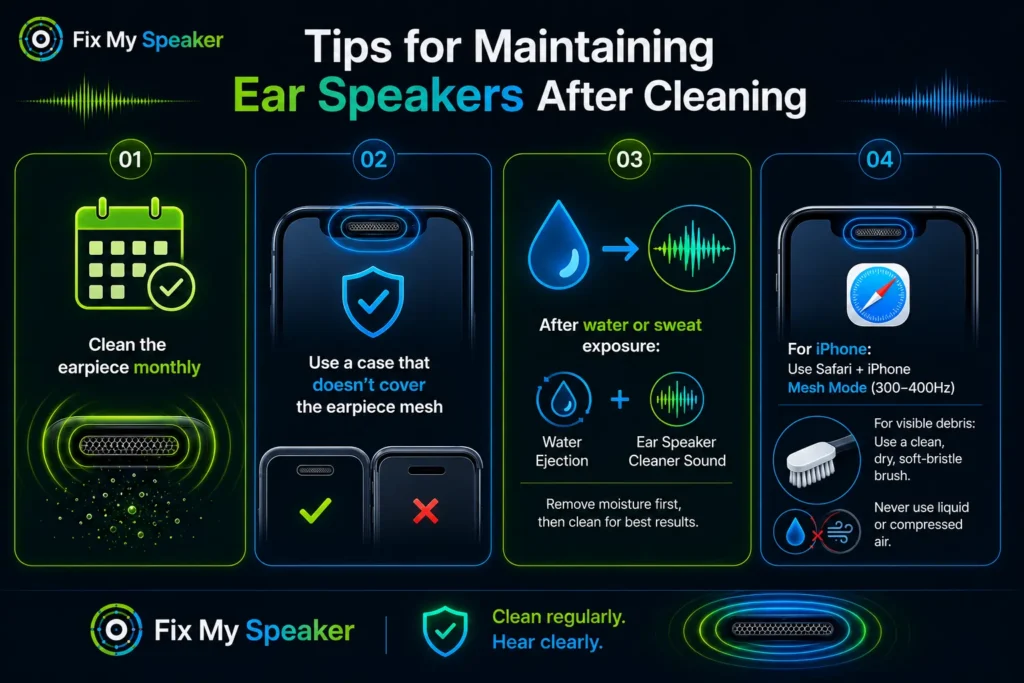
Clean the earpiece monthly as routine maintenance — even when call quality seems fine. Gradual blockage builds invisibly, and monthly cleaning prevents accumulation from ever reaching a noticeable level.
Use a phone case that does not cover the earpiece mesh. Some cases have lip edges that press against the earpiece area and trap debris between the case and the mesh. A well-fitted case with a clear earpiece opening significantly reduces passive lint accumulation.
After any water or sweat exposure, run the water ejection cycle on the water eject tool first, then follow with an ear speaker cleaner sound session once the device is dry. Moisture and dust together form a paste inside the earpiece mesh that is harder to remove than dry debris alone.
For how to clean iPhone ear speaker — open the tool in Safari on your iPhone, set volume to maximum, and select the iPhone Mesh mode which uses 300–400Hz optimised for Apple’s tightly woven earpiece grille. For visible surface debris on iPhone earpiece, Apple recommends a clean dry soft-bristle brush — never liquid or compressed air directly into the mesh.
Conclusion
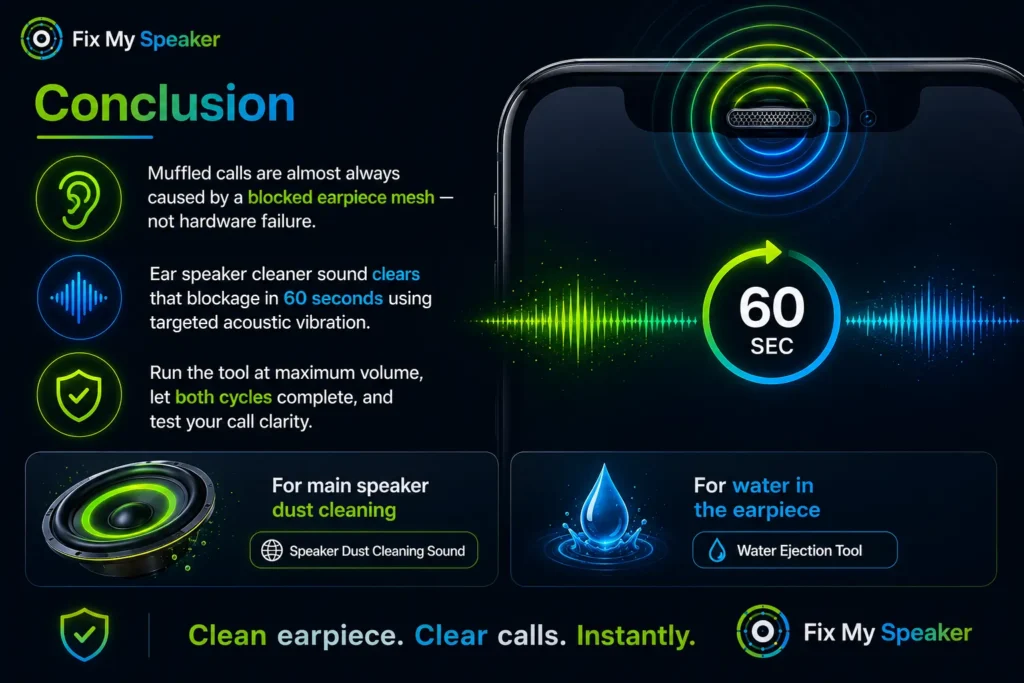
Muffled calls and low earpiece volume are almost always caused by a blocked earpiece mesh — not hardware failure. Ear speaker cleaner sound clears that blockage in 60 seconds using targeted acoustic vibration that reaches where no physical cleaning tool can. Run the tool at maximum volume, let both the sound wave and vibration cycles complete, and test your call clarity. For main speaker dust cleaning, visit our speaker dust cleaning sound page. For water in the earpiece, use the water ejection tool.
The earpiece speaker uses a balanced armature driver —
a miniature speaker technology explained in detail
by Etymotic Research, a leading hearing technology company.