● 15 free tools available
Quick Tools for Speaker Cleaning & Sound Fixing
Every tool on this page solves a real speaker problem using acoustic frequency technology — sound waves calibrated to the physical properties of your speaker membrane. No apps to download. No accounts to create. Open a tool, press play, and the cleaning cycle runs in your browser in 60 seconds.
If you are not sure which tool to use, start with Fix My Speaker on the homepage. It covers water, dust, and general audio restoration in a single session. If your problem is specific — an iPhone earpiece, a wet laptop speaker, a muffled microphone — the tools below are built for exactly that.
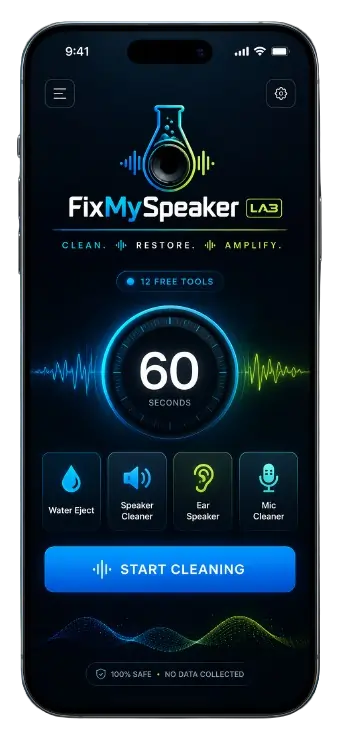
Explore Our Free Sound Fixing Tools–Quick Tools
14 tools, three categories. Each one targets a different speaker problem with frequency ranges matched to that specific type of blockage and device.
🔊 All Speaker Repair Tools.



🧹 Dust & Debris Tools

💧 Water Eject Tools


Why Use These Quick Tools Tools?
Speaker problems that feel permanent usually are not. The large majority of muffled speakers, reduced volume, and distorted audio trace back to a single physical cause — something restricting the speaker diaphragm’s movement. Water adhering to the membrane surface. Lint packed into the grille mesh. Dust layered on the diaphragm face. All of these create acoustic restriction that sounds like hardware failure but responds to acoustic cleaning.
The tools on this page work because acoustic ejection is the only method that actively removes blockages from inside the speaker chamber. Physical methods — cotton swabs, brushes, compressed air — only address the outer grille surface. They cannot reach the diaphragm. Acoustic cleaning originates from the diaphragm itself, which means the pressure it creates is directionally outward through the grille — removing what is blocking the membrane rather than pushing surface debris further inside.
Six reasons these tools work better than the alternatives:
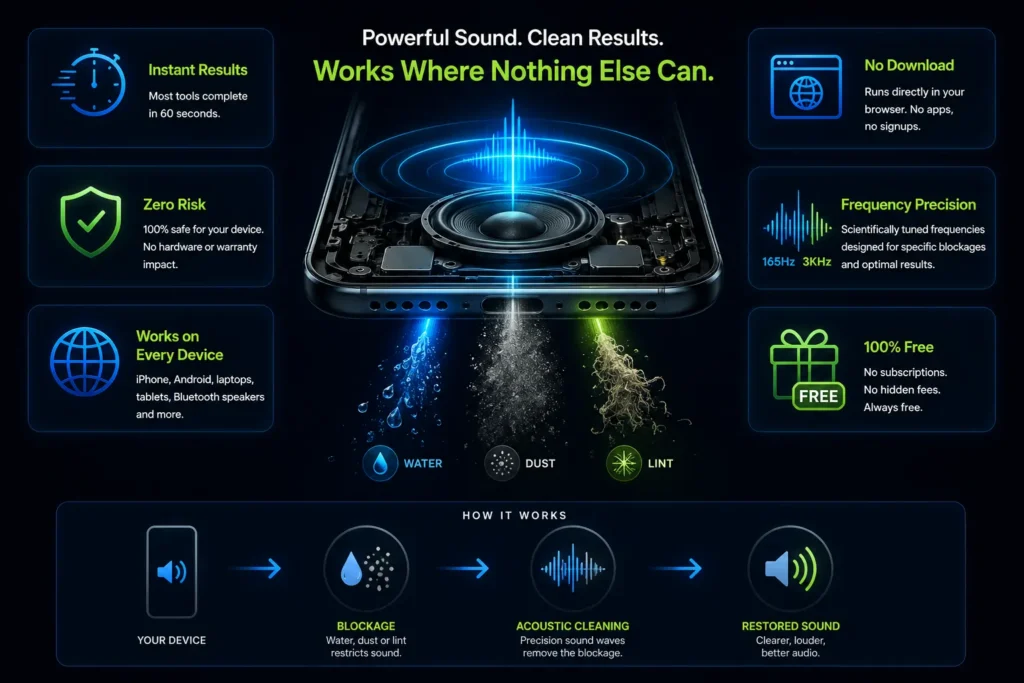
Instant results. Most tools complete in 60 seconds. Visible water droplets exiting the grille — or immediate audio improvement — happen within the first 30 seconds on most devices.
Zero hardware risk. The cleaning tone operates within the normal audio output range of any smartphone speaker. Electrically and acoustically identical to music playback — no firmware changes, no hardware stress, no warranty implications.
Works on every device. iPhone, Android, MacBook, Windows laptop, Chromebook, Bluetooth speakers, tablets. Any device with browser-accessible audio output is compatible.
No download. All twelve Quick Tools tools run in Safari, Chrome, Firefox, and Edge without any app installation or account creation.
Frequency precision. Each tool uses frequencies matched to specific speaker membrane resonance characteristics — not random loud noise. 165Hz for water ejection, 200–400Hz for dust, 300–500Hz for earpiece, 800Hz–3kHz for microphone.
Free. No subscriptions, no paywalls, no in-app purchases. Every tool is completely free.
Pro Tip for Best Sound Health.
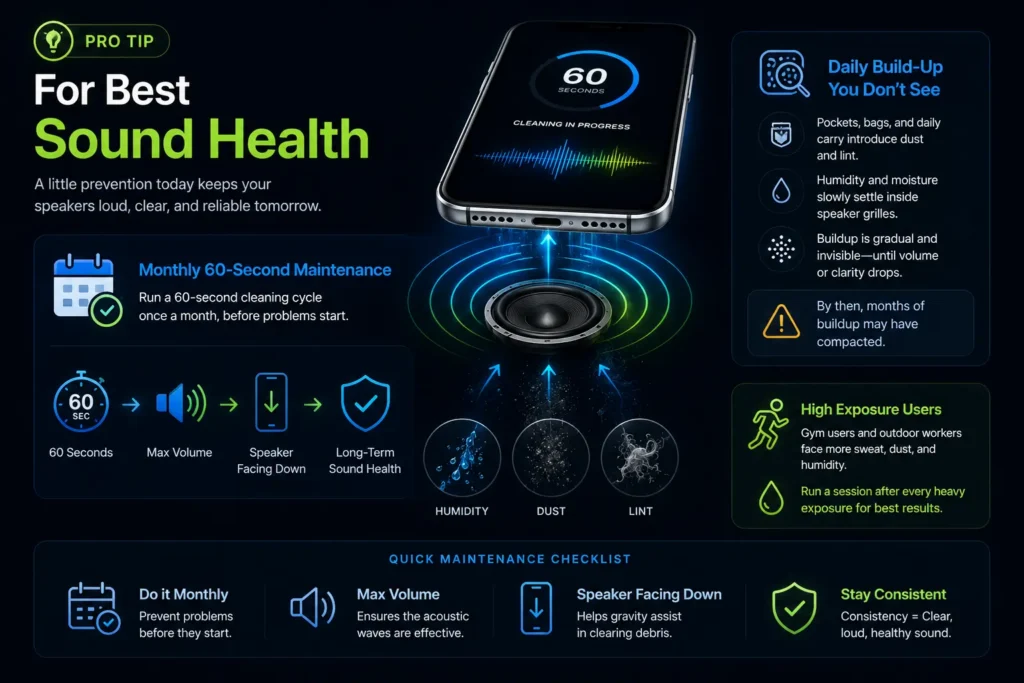
Most users run a cleaning tool only after audio quality has visibly degraded. The users who maintain the best long-term speaker performance do the opposite — they run a 60-second maintenance cycle monthly, before symptoms develop.
Dust and humidity accumulate in speaker grilles passively through daily use — pockets, bags, desks, and outdoor environments continuously introduce particles into the speaker mesh. This accumulation is gradual and imperceptible until it crosses a threshold where volume or clarity noticeably drops. By that point, several months of buildup may have compacted into the grille.
Monthly maintenance prevents that threshold from ever being reached. Sixty seconds, once a month, maximum volume, speaker facing down. The acoustic cycle clears what accumulated since the last session before it has time to compact.
For gym users and outdoor workers — who expose their phones to sweat and dust at higher rates than average — a session after every heavy exposure is worth building into the routine. Salt from sweat deposits on the speaker diaphragm faster than any other environmental exposure, and catching it early prevents the mineral buildup that passive drying leaves behind.
Upgrade Your Speaker Cleaning Experience–Quick Tools
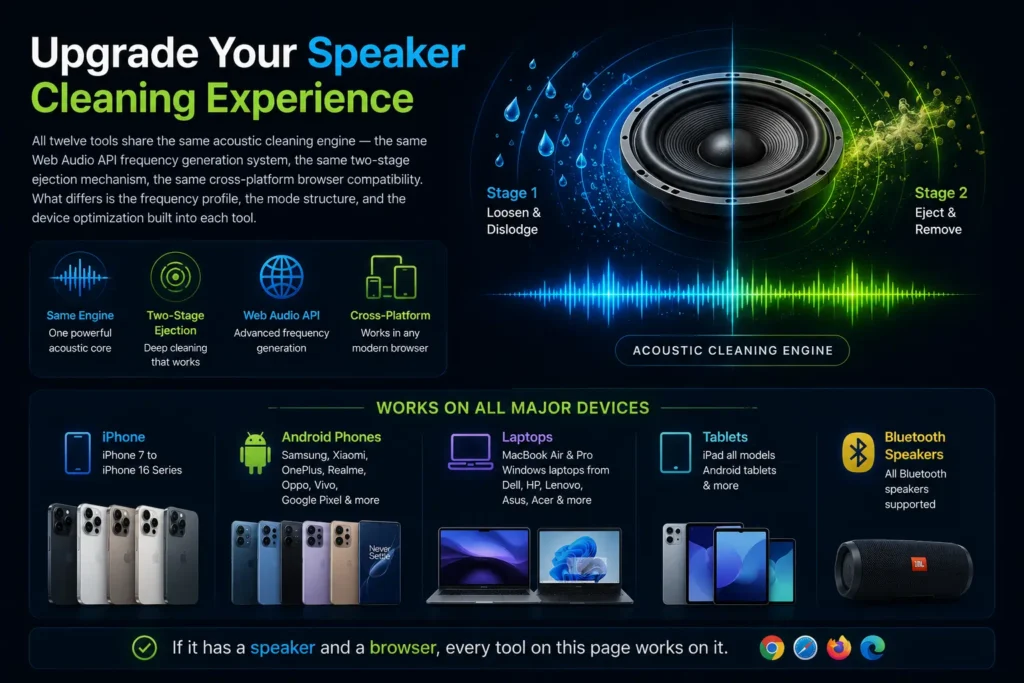
All twelve Quick Tools tools share the same acoustic cleaning engine — the same Web Audio API frequency generation system, the same two-stage ejection mechanism, the same cross-platform browser compatibility. What differs is the frequency profile, the mode structure, and the device optimization built into each tool.
No device is too old or too new. iPhone 7 through iPhone 16 series. Every major Android brand — Samsung, Xiaomi, OnePlus, Realme, Oppo, Vivo, Google Pixel. MacBook Air and Pro. Windows laptops from Dell, HP, Lenovo, Asus, and Acer. Chromebooks. Tablets and iPads. Bluetooth speakers.
If it has a speaker and a browser, every tool on this page works on it.
Disclaimer
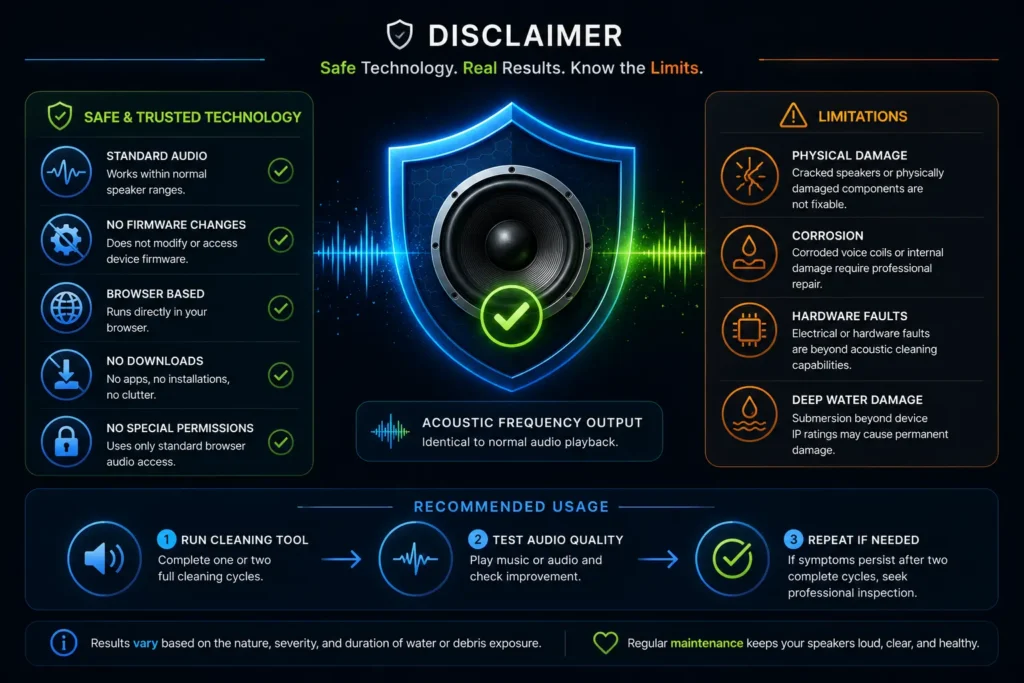
Fix My Speaker Lab tools generate acoustic frequency output within standard speaker operating ranges — identical in electrical terms to normal audio playback. These tools do not modify device firmware, access hardware outside the standard audio output pathway, or require any system permissions beyond normal browser audio access.
Results vary based on the nature, severity, and duration of water or debris exposure. Physical speaker damage, corroded voice coils, or hardware faults caused by submersion beyond device IP specifications may require professional repair that acoustic cleaning cannot provide. Always test audio quality after each session. If symptoms persist after two complete cycles, professional speaker inspection is recommended.
All tools use the Web Audio API — a browser-native
audio technology standardised by the World Wide Web
Consortium (W3C) and supported across all modern browsers.