Fix My Speaker Water – Quick Solutions for Your Speakers
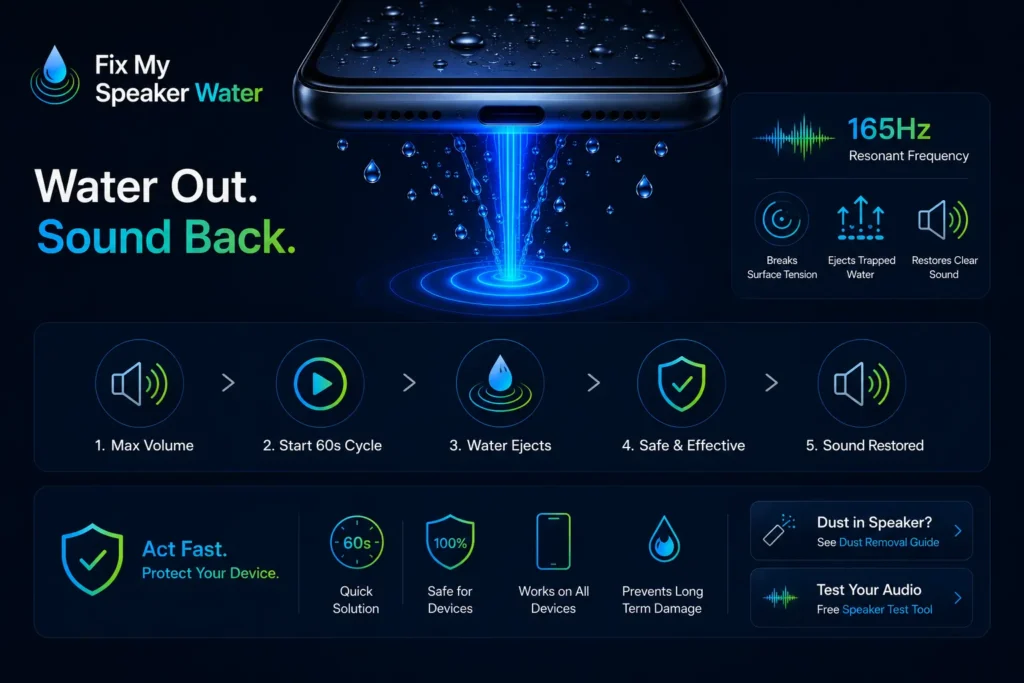
Your phone just got wet and the speaker sounds muffled, distorted, or completely silent. Every second water sits inside the speaker chamber increases the corrosion risk on internal contacts. Fix My Speaker plays a precise 165Hz acoustic tone that vibrates trapped moisture out through the speaker grille — no tools, no rice, no waiting 48 hours. Open the tool in your browser, press play, and the water ejects in under 60 seconds.
Clean My Speaker Water Now — Free-60 sec.
FixMySpeaker WaterEJECT
Water Ejection · 165 Hz Acoustic Tone
Water Ejected ✓
Moisture cleared · Speaker restored
Water Eject Tool
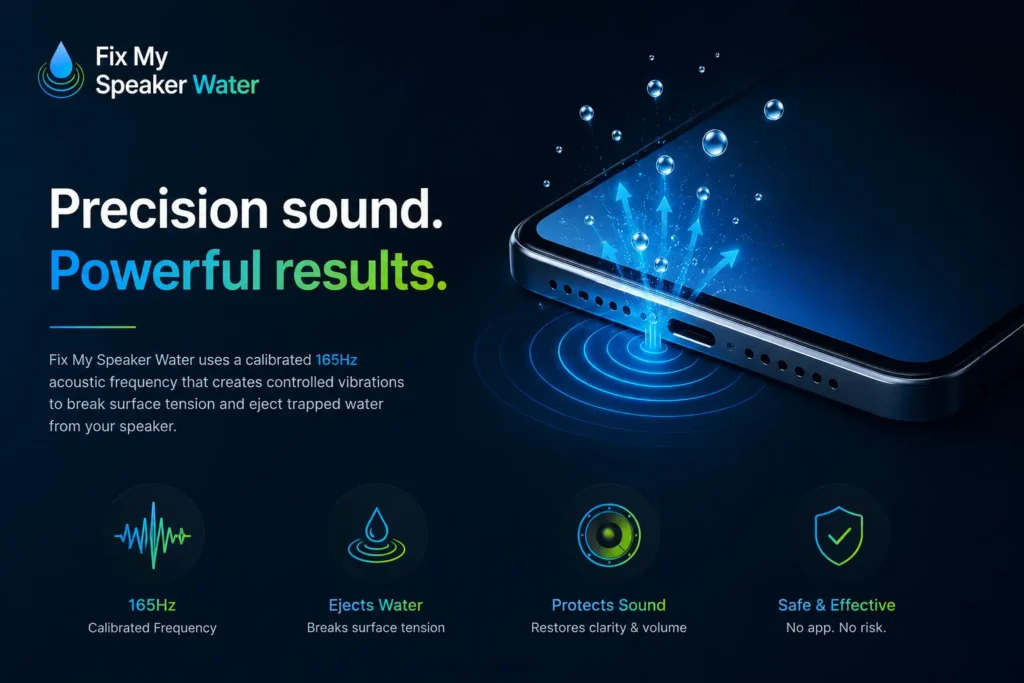
Fix My Speaker Water is a free browser-based acoustic tool that uses a calibrated 165Hz sound frequency to eject trapped water from phone speakers. The tone matches the natural resonant frequency of most smartphone speaker membranes. When the frequency hits the diaphragm at that resonant point, it creates controlled vibration strong enough to break the surface tension holding water droplets against the membrane and push trapped moisture outward through the speaker grille.
No app download. No signup. No microphone access. Works on every iPhone, Android, tablet, and Bluetooth speaker directly inside Chrome, Safari, or Firefox.
Eject Water from Speaker Now — Free, 60 Seconds
What Is Fix My Speaker Water?
Fix My Speaker is a free digital water ejection tool designed specifically to remove moisture from speaker chambers using precision sound frequencies. It applies the same acoustic ejection principle built into the Apple Watch Water Lock feature — a targeted tone at the speaker’s resonant frequency creates vibration that physically displaces water from the diaphragm surface and pushes it out through the grille opening.
The tool targets the root cause of muffled audio after water exposure. When moisture enters the speaker chamber through the grille mesh, it presses against the speaker diaphragm and reduces membrane movement by up to 50 percent. That restriction is what causes muffled calls, distorted bass, and low volume. Fix My Speaker Water removes that moisture directly, restoring the diaphragm’s full range of motion — and with it, original audio quality.
How to Clean the Speaker’s Water Using Fix My Speaker
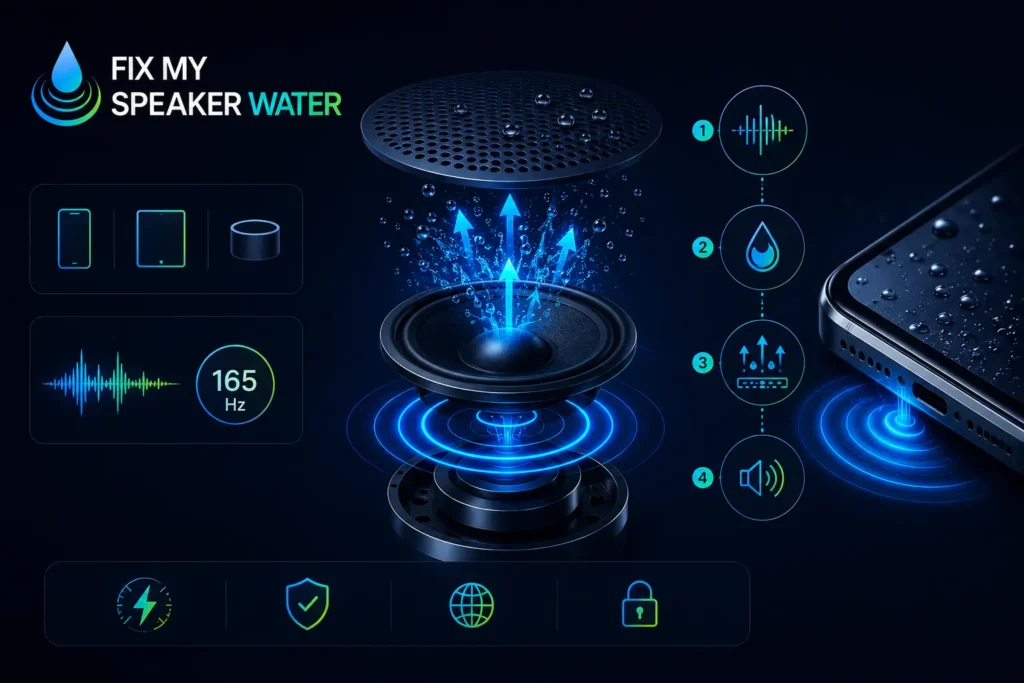
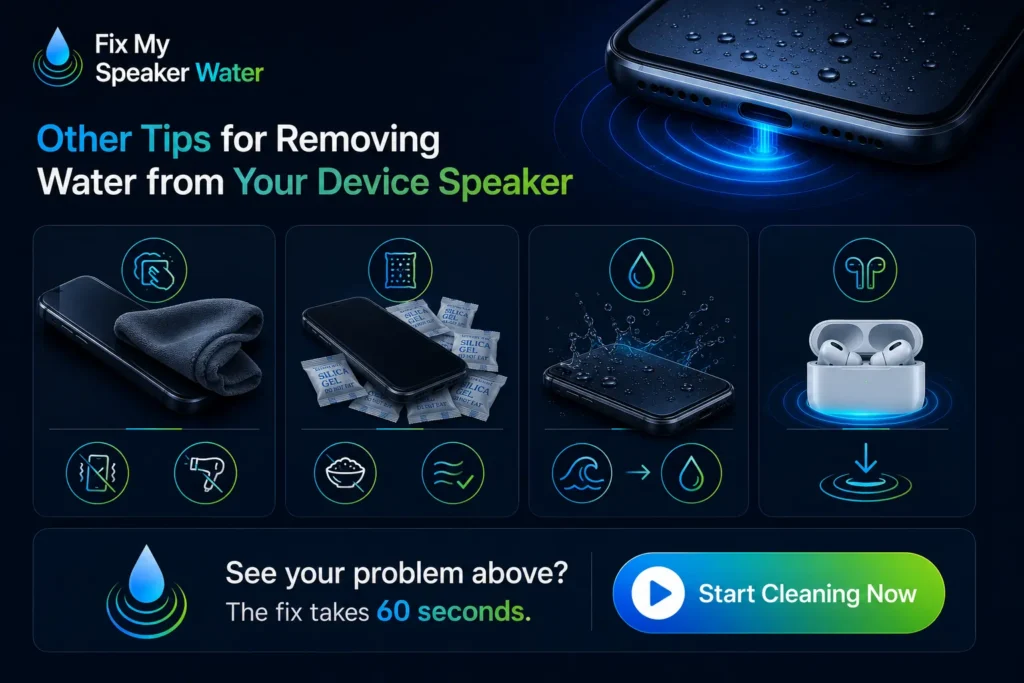
Step 1 — Visit the Fix My Speaker Water Tool
Open the tool in any browser on your phone or another device. No installation is required. The tool runs entirely inside the browser using the Web Audio API and routes sound directly to your device speaker.
Step 2 — Increase the Volume
Set your device volume to maximum before pressing play. Maximum volume creates the strongest acoustic pressure inside the speaker chamber. At lower levels, vibration amplitude is too weak to break the surface tension holding water against the diaphragm. On Android, check that no media volume limiter is active in sound settings. On iPhone, confirm volume through Control Centre.
Step 3 — Activate Sound and Vibration Features
Remove your phone case before starting — cases absorb vibration and reduce cleaning effectiveness by up to 40 percent. Turn Bluetooth off so audio routes directly to the device speaker. Hold the phone with the speaker grille facing downward. Gravity works with the acoustic vibration to direct water toward the grille opening rather than deeper into the chamber. Press play to begin the water ejection cycle.
Step 4 — Allow the Cycle to Complete
Let the full 60-second cycle run without interruption. The frequency sweep covers the complete resonant range of the speaker membrane — stopping early cuts the cleaning short before the deeper chamber zones are reached. Watch the speaker grille during playback. Visible water droplets appearing at the grille confirm the ejection is working. Run the full cycle twice for heavy water exposure or submersion.
Step 5 — Check and Repeat if Necessary
After the first cycle, switch to Vibration Mode. Low-frequency pulses reach deeper into the speaker chamber and dislodge residual moisture that the initial sound wave cycle loosened but did not fully eject. Run vibration mode immediately after the sound wave cycle for a complete two-stage clean. For saltwater or pool water exposure, run three full cycles — conductive minerals require more aggressive acoustic treatment.
Step 6 — Review the Outcome
After both modes complete, lay the device flat with the speaker facing sideways for 10 minutes. Then test audio by playing a voice recording at medium volume. Clear, undistorted sound confirms the water has been fully ejected. If audio still sounds muffled after two complete cycles, place the phone in silica gel for 6 to 12 hours before running a third cleaning cycle. If three cycles produce zero improvement, the issue may be corrosion or hardware damage requiring professional inspection.
Recognise any of these symptoms? Run Fix My Speaker Water now — takes 60 seconds.
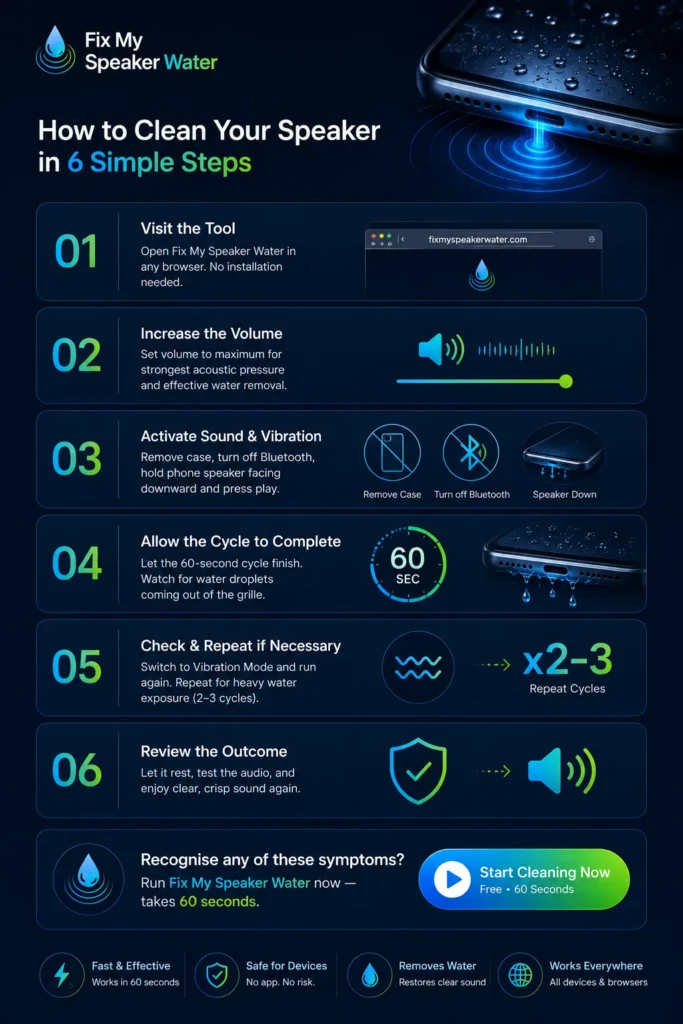
Benefits of Using Fix My Speaker Water
Quick Water Removal
Fix My Speaker starts ejecting moisture within the first 30 seconds of playback. Traditional drying methods — rice, silica gel, open-air drying — take between 24 and 48 hours and cannot actively push water out of the speaker chamber. Acoustic ejection works in real time, making it the fastest available method for restoring audio after water exposure.
Enhances Sound Quality
Removing water from the speaker diaphragm restores the membrane’s full range of movement. Bass response returns, voice clarity improves, and maximum volume reaches its original output level. Most users notice a clear improvement within the first cycle — audio that was muffled and distorted becomes sharp and full again.
Safe for Your Phone
Fix My Speaker plays audio through the standard speaker output — the same electrical pathway as normal music playback. It does not modify software, access internal hardware settings, or exceed the operating specifications of any standard smartphone speaker. No physical contact. No disassembly. No warranty risk.
Versatile and Convenient
The tool works on every device with browser-accessible audio output — iPhone, Samsung Galaxy, Xiaomi, Realme, OnePlus, Google Pixel, JBL Bluetooth speakers, AirPods, and Galaxy Buds. Open it anywhere in seconds. No app store visit, no account creation, no cost.
Prevents Long-Term Damage
Acting within the first hour of water exposure dramatically reduces long-term speaker damage. Water left inside the speaker chamber corrodes metal contacts, deposits minerals on the diaphragm as it evaporates, and raises the risk of electrical short circuits over time. Fix My Speaker Water removes moisture before these secondary damage pathways develop.
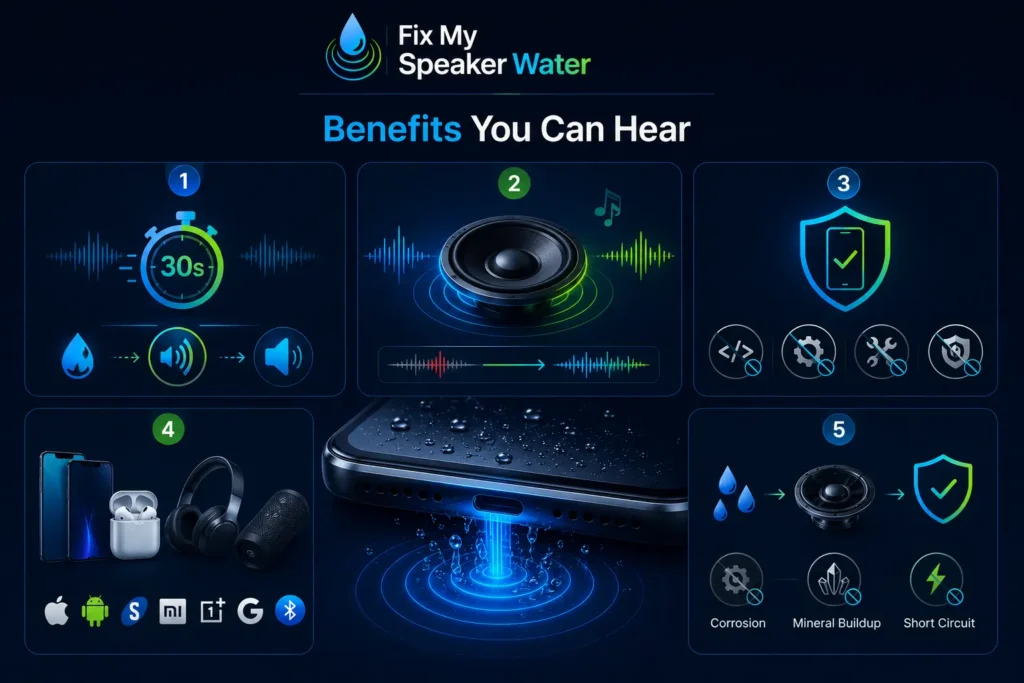
Why You Need to Clean Your Device’s Speaker from Water
Prevent Damage to Sound Quality
Water pressing against the speaker diaphragm physically restricts membrane movement. The diaphragm cannot complete its full oscillation cycle, which reduces volume output and distorts the frequency response. Bass frequencies — which require the most membrane movement — are affected first. Without immediate water ejection, audio quality degrades progressively as residual moisture restricts diaphragm movement further over time.
Avoid Corrosion
Salt water from the ocean or sweat is electrically conductive. When it contacts the metal speaker contacts and internal circuit components, electrochemical corrosion begins almost immediately. Freshwater and rainwater cause corrosion more slowly, but the process starts within hours of exposure. Acoustic ejection within the first 60 minutes of contact removes moisture before corrosion gains a foothold. If crackling continues after cleaning, professional inspection of internal contacts is recommended.
Electrical Short Circuits
Water bridging across live electrical contacts inside the speaker circuit creates short-circuit conditions that can permanently damage the voice coil, speaker driver, and nearby circuit board components. This is why powering on a wet phone immediately after submersion is one of the most damaging mistakes users make. Eject water first using Fix My Speaker Water, then test audio at medium volume before fully powering the device back on.
Prevent Mold and Bacteria Growth
Moisture trapped inside the speaker chamber in humid environments creates conditions for bacterial and mold growth on the speaker mesh, diaphragm surface, and grille fabric. This is not just a hygiene concern — biological buildup on the speaker grille physically blocks sound output the same way dust does. Acoustic cleaning removes moisture before it creates a damp environment that supports biological growth.
Prevents Long-Term Damage
Acting within the first hour of water exposure dramatically reduces long-term speaker damage. Water left inside the speaker chamber corrodes metal contacts, deposits minerals on the diaphragm as it evaporates, and raises the risk of electrical short circuits over time. Fix My Speaker Water removes moisture before these secondary damage pathways develop.
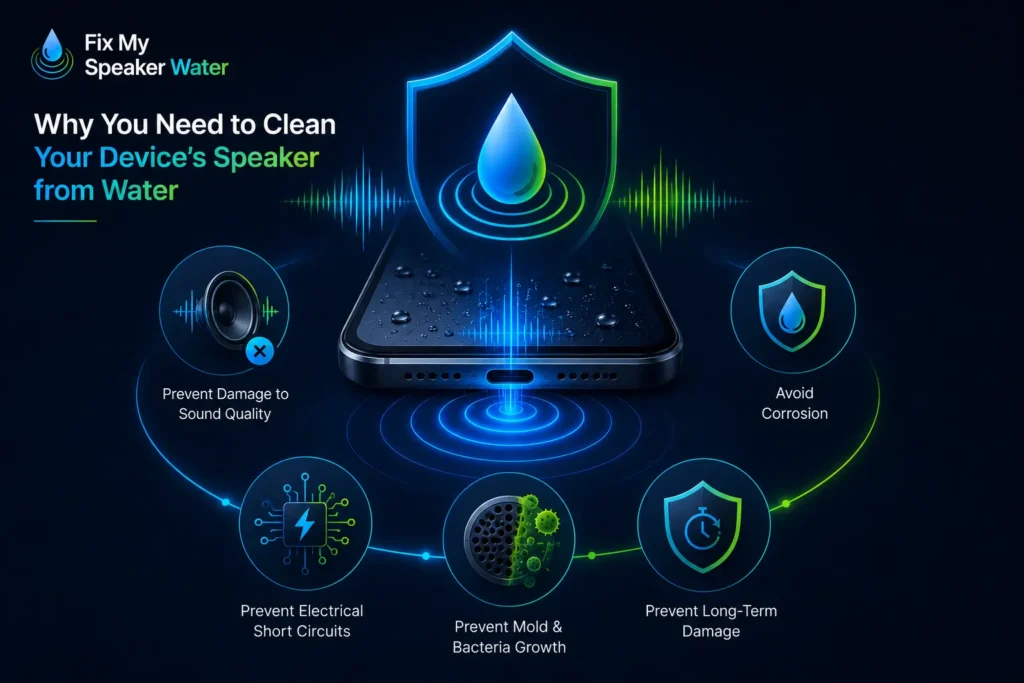
Other Tips for Removing Water from Your Device Speaker
Before acoustic cleaning, wipe the phone exterior with a dry microfibre cloth — pat, do not wipe back and forth. Shaking the device pushes water into areas that were previously dry. Never use a hairdryer or any heat source. Direct heat warps the speaker diaphragm permanently and pushes water vapour deeper into the speaker chamber.
After running Fix My Speaker Water, place the device in silica gel packets for 6 to 12 hours to absorb any residual internal moisture the acoustic cleaning could not reach. Silica gel absorbs moisture more effectively than rice and does not leave organic residue inside the device. If silica gel is unavailable, a dry room with good airflow at room temperature is a safe backup.
For saltwater exposure specifically — rinse the phone exterior gently with fresh water before running the tool. Salt crystals that form as saltwater evaporates are more damaging than the water itself. Fresh water dilutes the salt concentration and acoustic ejection then removes the diluted moisture. Act within the first 10 minutes of saltwater contact for the best outcome.
For AirPods and earbuds — hold the mesh facing downward during the water ejection cycle. The acoustic vibration reaches through the mesh without physical contact and the downward orientation allows gravity to assist moisture ejection through the same opening it entered.
See your problem above? The fix takes 60 seconds. Start cleaning now
Conclusion
Water in a phone speaker is a time-sensitive problem. The longer moisture sits against the speaker diaphragm and metal contacts, the more it restricts audio quality and accelerates corrosion damage. Fix My Speaker Water removes that moisture in 60 seconds using the same acoustic ejection principle as Apple Watch Water Lock — targeted 165Hz frequency vibration that breaks surface tension and pushes trapped water out through the speaker grille. Run the tool at maximum volume, let the full cycle complete, and test your audio. For dust-related speaker problems, visit our
dust removal guide. For a full audio check after cleaning, use our free speaker test tool.
Apple’s official guidance recommends ejecting water from
iPhone speakers immediately after liquid exposure to prevent
long-term speaker damage.